Remittances are the SEPA file you submit to your bank to collect all direct-debit fees at once. They are generated from "Generate SEPA remittance" on the billing screen.
Box billing
SEPA remittances
How it works
- Tap "Generate": the remittance includes members with SEPA whose fee is due and records the period's payment in their card.
- Download the file and upload it to your bank's online banking.
- Each remittance appears in the list with its collection date, number of receipts, amount and who generated it.
- If the bank returns a receipt, mark it as returned in the member's card ("Box users"): they will move to Pending.
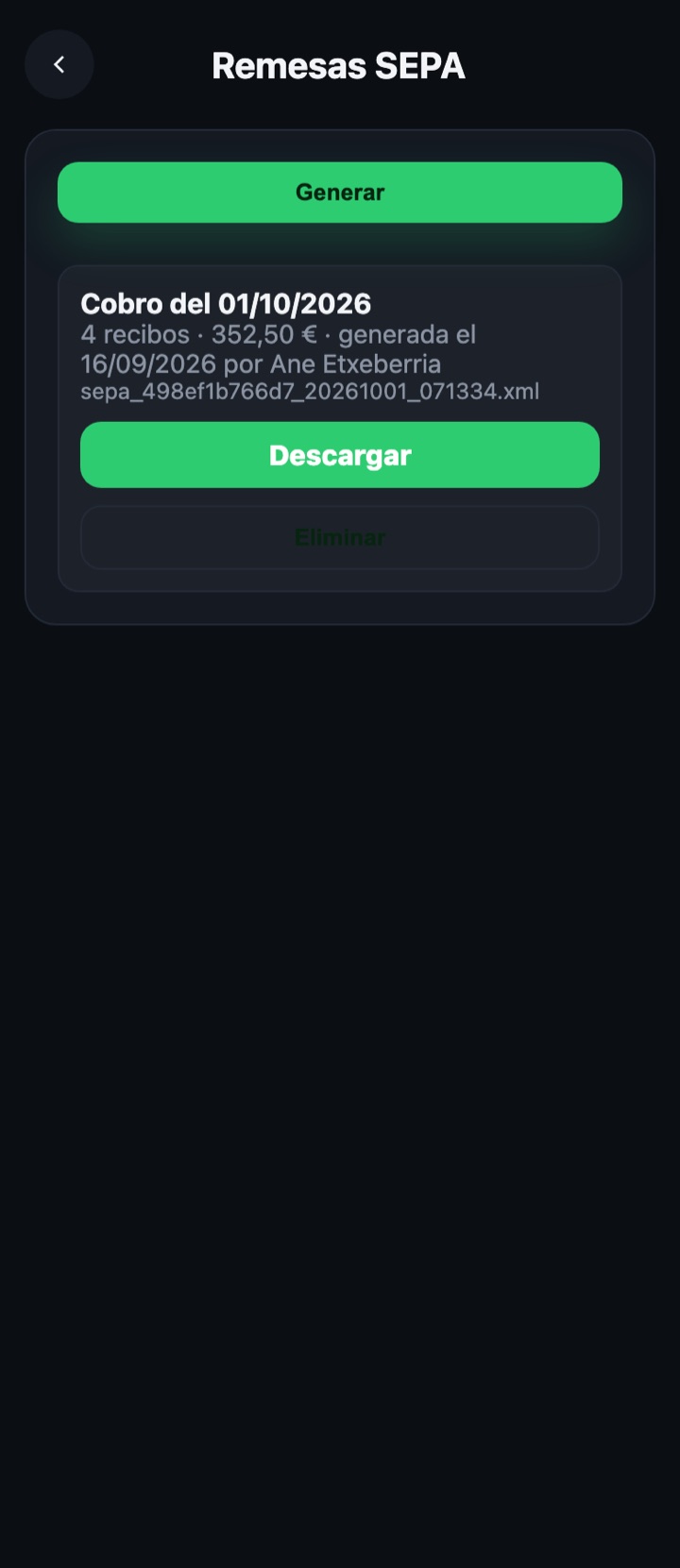
Deleting a remittance also removes the payments it recorded for members: only do it if you have not yet sent it to the bank. The "Manage box" summary shows the date of the next remittance (1st of next month).