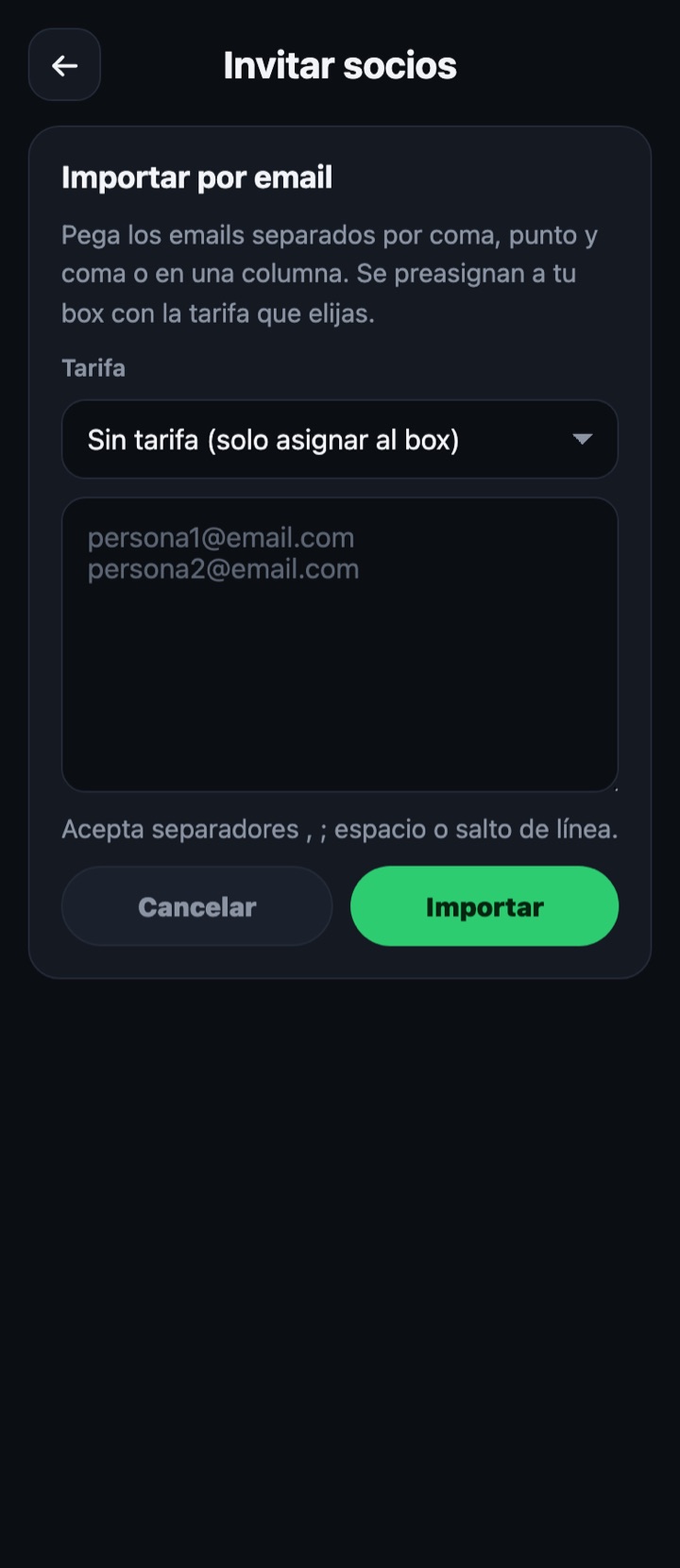
Two ways to get members into the box without inviting them one by one: pasting their emails, or giving them the box code so they join themselves from "My box".
Manage members
Import members
Import by email
- Choose the membership they will be assigned, or "No membership (assign to box only)" if for now you just want to link them.
- Paste the emails into the box: commas, semicolons, spaces, line breaks or a column copied from Excel all work.
- Tap "Import". Emails are lowercased, duplicates removed and anything that is not an email discarded.
- Each person is pre-assigned: when they log in (or sign up) with that email they are already inside the box.
Box code
Where it is
On the invite screen itself and in "Box details". It can be copied with one tap.
How the member uses it
In the app, in "My box" → "I have my box code", they type it and are joined instantly.