Catalogue of classic WODs, organised in two tabs: "Girls" and "Hero". Both work the same; only the WOD catalogue they show changes.
WODS
Classic WODs
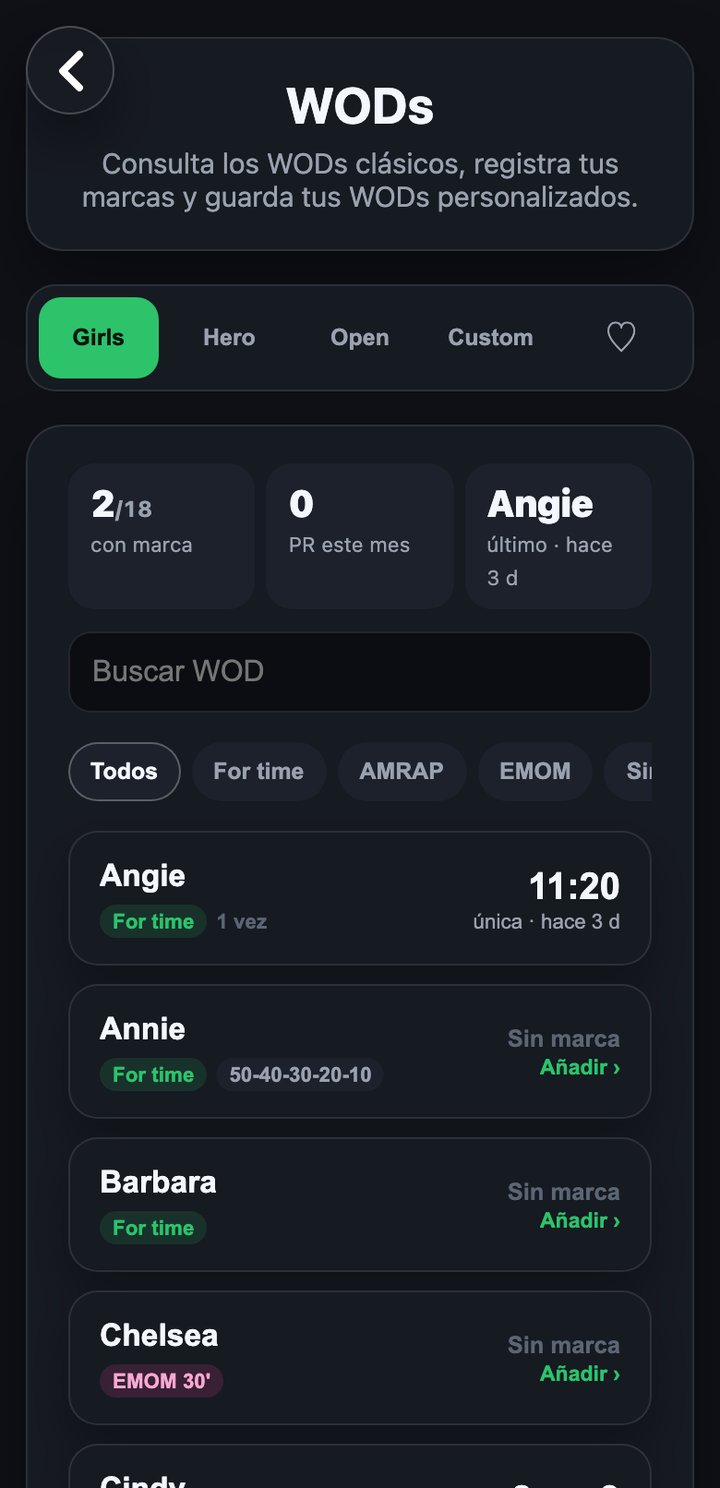
View a WOD
- Use the search box to filter by name (it kicks in from 3 characters).
- Tap a WOD in the list to expand it.
- Inside you will see its style (For time, AMRAP, EMOM...), the description/RX (adapted to the sex and weight unit set in your profile) and your latest score if you have one.
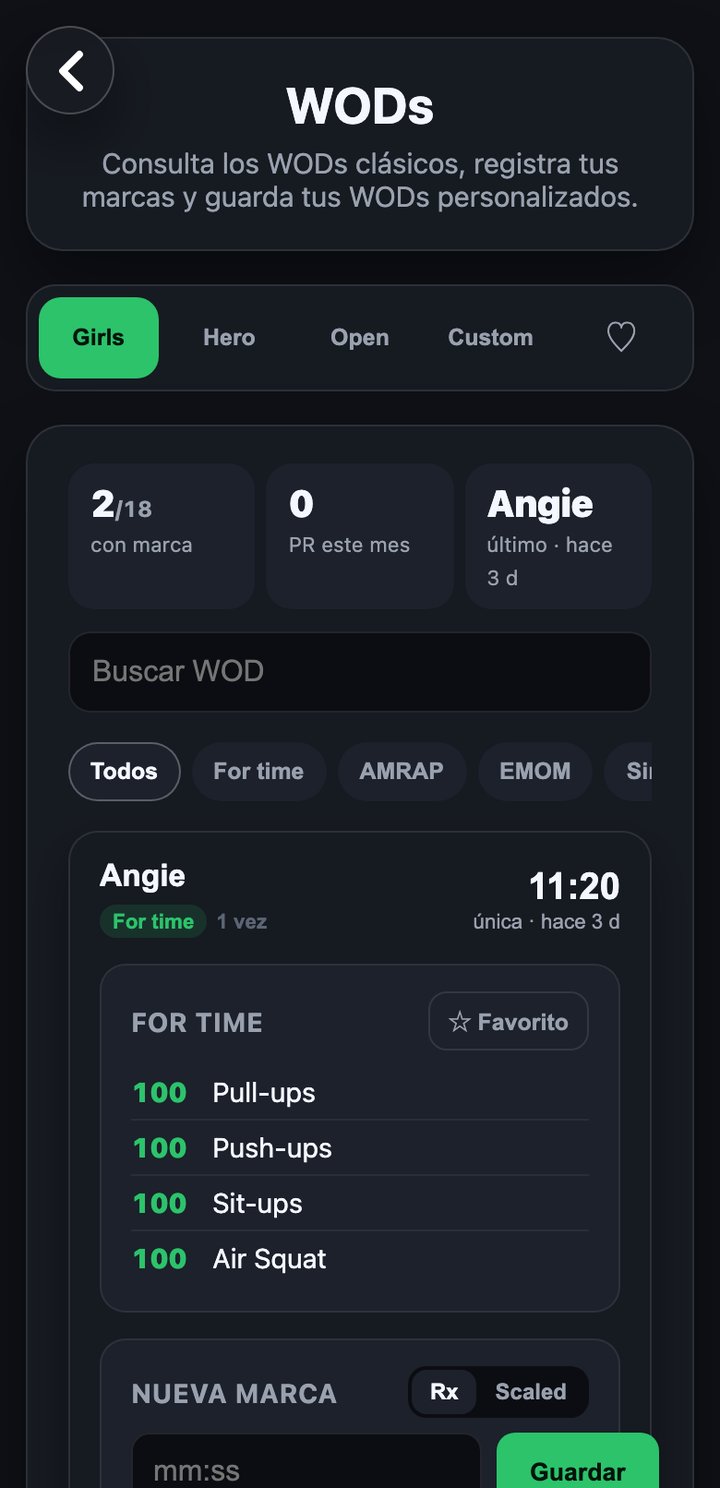
Log a result
"For time" WODs
The field asks for the time in mm:ss format (it auto-formats as you type).
AMRAP or EMOM WODs
The field asks for the number of completed rounds.
Other styles
Free text field for the score (time, reps...).
You need a connection to save a result; without one the app warns you and won't save. Each expanded WOD also has a "Score history" block with a "View"/"Refresh" button that loads a chart of your progress; if you have no scores it says "No scores recorded".